


Peblar Home 11 kW 5m + P1 Meter
Peblar Home 11 kW 5m + P1 Meter
In stock
Couldn't load pickup availability
Waarom kiezen voor ons?
✔ Op werkdagen voor 21:00 uur besteld, vandaag verzonden*
✔ Gratis verzending in Nederland & België
✔ 30 dagen bedenktijd
✔ Ophalen mogelijk
✔ Achteraf betalen mogelijk
Plus- en minpunten
- Geschikt voor zonne-energie
- Loadbalancing via homewizard
- Standaard vaste kabel
- Duidelijk display
- Backoffice-integratie
Product Description
Product Description
Peblar Home 11 kW (5 m) + HomeWizard P1 Meter
Now for only €649,- instead of €735,-
✅ Complete Smart Charging Solution
With this bundle, you get a future-proof home charger. The Peblar Home 11 kW combines power, design, and reliability, while the HomeWizard P1 Meter provides smart energy management — ideal for those who want to charge with their own solar power and prevent overload.
🔋 Key Benefits
-
Charges automatically with solar energy: the HomeWizard P1 Meter connects the charging point to your smart meter, so the Peblar Home automatically switches to charging with self-generated power.
-
Load balancing: prevents overload of your meter box by dynamically adjusting the charging power to the actual consumption in your home.
-
Powerful and safe: up to 11 kW charging capacity via 3-phase connection.
-
Fixed 5-meter cable – ready for immediate use.
-
Modern design – compact, durable, and IP54-certified for outdoor use.
-
App integration: easy insights and control via the Peblar and HomeWizard apps.
💡 Why this bundle?
-
Fully prepared for solar integration and smart charging.
-
No additional modules or CT clamps needed – the P1 Meter handles everything via your smart meter.
-
Ready for installation immediately – ideal for homes with solar panels or increasing energy consumption.
-
Promotional price valid for a limited time during Black Friday.
📦 Included
-
Peblar Home 11 kW charging point (5 m cable)
-
HomeWizard P1 Meter
-
Manual and mounting plate
-
2-year warranty
⚙️ Installation advice
For optimal operation, we recommend installation by a certified installer. The Peblar Home is compatible with most smart meters (DSMR v4 or v5) and can be configured for both 1-phase and 3-phase connections.
User manual
User manual


Delivery time
We aim to deliver this item in a timely manner. Orders placed on weekdays before 9:00 PM are normally shipped the same day via PostNL. In most cases, the order will be delivered the next business day.
If a different delivery time has been indicated, this serves as a guideline. Please also note that we cannot be held responsible for any delays

-

Quick and Easy Installation
Peblar charging stations can be installed quickly and easily by a professional installer.
-

Robust and Secure Design
Charging your vehicle should be as easy and worry-free as driving itself. That's why Peblar charging stations are designed to be the most reliable and user-friendly chargers on the market.
-

Powerful Performance
With a power output of 3.7 kW for single-phase charging and 11 kW for three-phase charging, Peblar chargers meet a wide range of charging needs for private, public, and semi-public applications.


Peblar Key Features

Charging power 3.7 kW - 22 kW

Dynamic Load Balancing

Solar Charging

3-Year Warranty

Charging schedule options

FAQs
The light on top of the charger can be different colours, each indicating the status of the charger.
- Solid red: The charger is in recovery mode; a firmware package must be installed on the charger.
- Flashing red: The charger is experiencing a problem resulting in an error, which makes the charger unusable.
- Solid yellow: The charger has not yet been commissioned and needs to be set up, or a firmware update is being installed.
- Solid blue: The charger is connected to the EV and ready to start the session.
- Flashing blue: The charging session is in progress, and power is being supplied to the EV.
- Solid green: The charger is ready for use when an EV is not connected, or an EV is connected but not authorised to charge.
- Flashing Green: the EV is authorised to charge.
- No colour visible: The LED feedback is set to 0% or the power is off.
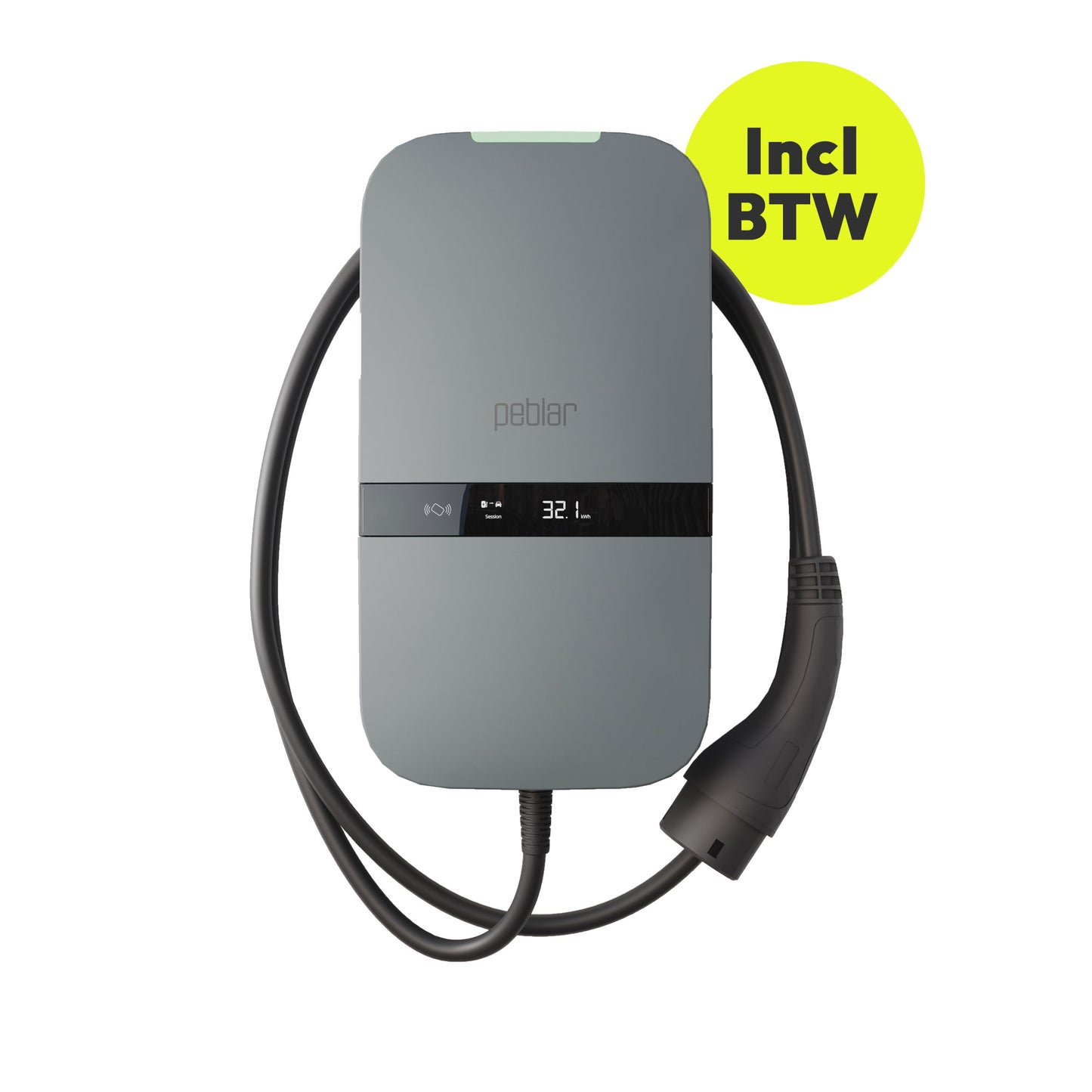
The charger display shows several things.
1. Charging or discharging
2. Energy / cost of charging session / total
3. Energy tariff
4. Unit of displayed number, kWh, €, or €/kWh
5. Indication of whether displayed energy corresponds to current session or lifetime
The Peblar home charging station can be managed by a back office and includes an integrated. This product can be used for invoicing, for example, if you have a lease car.
The Peblar Home charger supports both dynamic load balancing and group load balancing.
The Peblar Home charging point can be updated remotely when connected to a back office and thus managed by a Charge Point Operator (CPO).
Yes, the Peblar Home charging station is suitable for both pole and wall mounting.
The Peblar contains a predefined set of parameter values to establish a successful connection with one of the compatible back offices. The installer only needs to add the Charge Point Operator (CPO) domain during the commissioning process for the Peblar charger to be added to the desired CPO.